
Emergency exit
Identify a verified exit and the direction of travel.
2026 FACILITY MAP WORKSPACE
OSHAMap turns a floor plan or hand sketch into an editable, review-ready safety map draft. Routes stay grounded in your layout; your team stays in control of the review.
AI-assisted draft. Verify site conditions and obtain qualified review before posting.
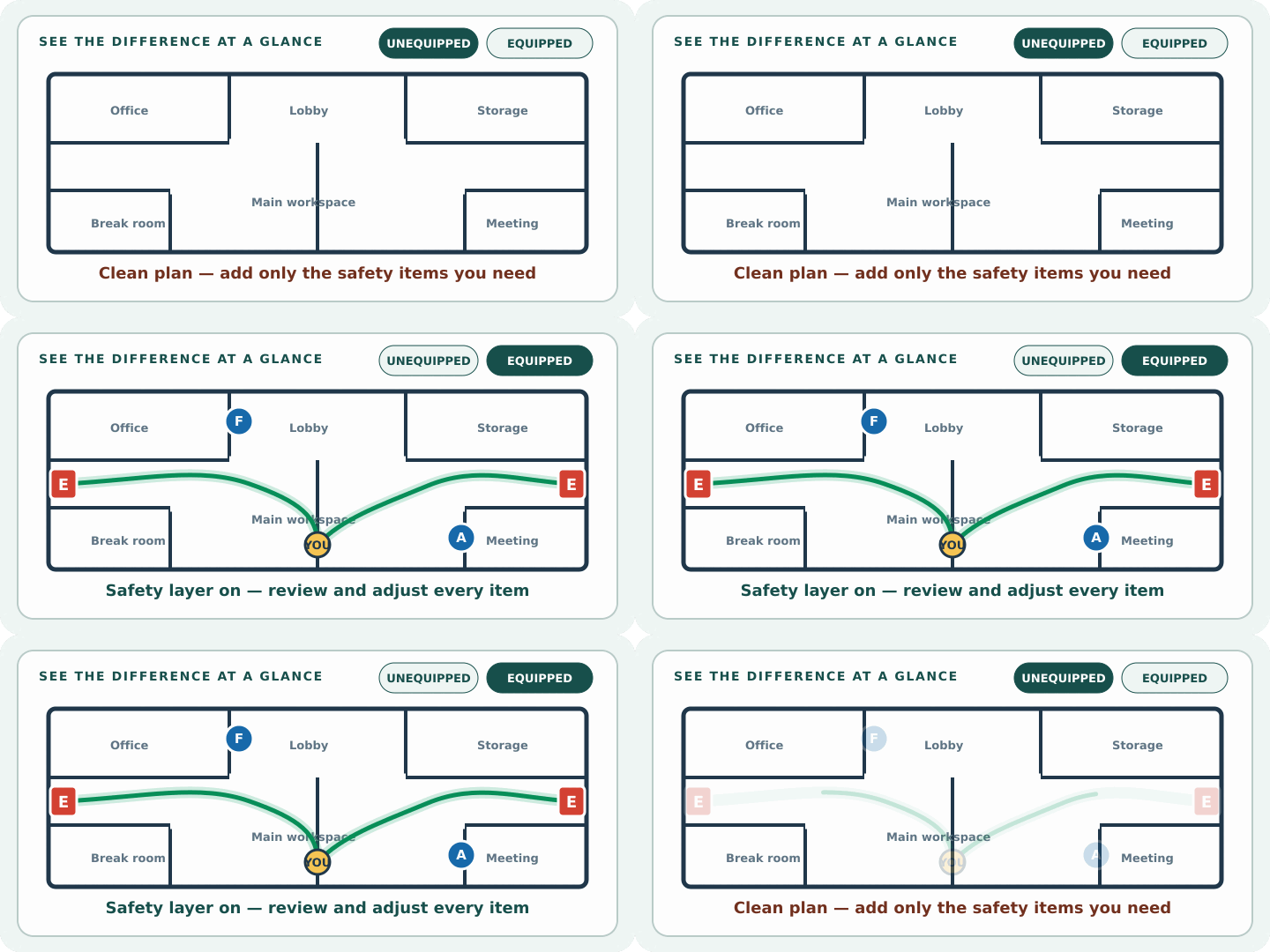
 ILLUSTRATIVE OFFICE EXAMPLE / REVIEW REQUIRED
01 / Sixteen-map symbol library
Identify a verified exit and the direction of travel.
Show installed equipment without hiding the floor plan.
Orient each posted copy to its actual viewing location.
Connect the indoor route to approved outdoor instructions.
Mark current pull stations and notification points.
Make emergency supplies easy to locate during review.
Record the verified defibrillator location.
Differentiate stair egress from elevator circulation.
Document reviewed accessible movement guidance.
Show a verified communication point where relevant.
Keep installed hose or standpipe equipment visible.
Separate shelter guidance from evacuation routing.
Record detector locations only when the plan calls for them.
Support industrial and laboratory emergency orientation.
Flag areas that require special route review.
Confirm the route reaches a usable perimeter opening.
02 / Upload-to-draft proof
The example shows the actual workflow: preserve the uploaded walls and room labels, then layer route arrows, exits, equipment symbols, and a posting-position marker for review.
03 / Generator workspace
Use a current floor plan, PDF, or photographed hand sketch. The generator belongs here, after the workflow is clear and before detailed planning guidance.
Drag & drop your floor plan here
or
PNG, JPG, HEIC, TIFF, BMP, SVG, AVIF, WebP, PDF, DOC, DOCX, PPT, PPTX, XLS, XLSX, ODT, ODP, ODS, DXF, DWG - Hand-drawn sketches work too!
No floor plan handy? Try the included floor plan with real AI generation — no upload needed. This may take a minute or longer.
Yes — you can generate your first OSHA-aligned evacuation map draft completely free. Just upload a floor plan and our AI drafts a professional map in about 30 seconds. No credit card required.
Our AI drafts maps that follow OSHA 29 CFR 1910.36–37 and NFPA 101 Life Safety Code standards. Every map includes clearly marked exits, fire extinguisher locations, assembly points, and directional evacuation arrows. Supervisor review is required before posting to your facility.
We accept PNG, JPG, GIF, WebP, BMP, TIFF, AVIF, HEIC, SVG, PDF, DOC/DOCX, PPT/PPTX, XLS/XLSX, ODT, ODP, ODS, DXF, and DWG floor plans. Office and CAD files are converted securely before processing; PDF uploads let you choose the source page.
Most maps are generated in 20–40 seconds. Complex multi-floor plans may take slightly longer. You see the preview instantly — create a free account (no credit card) to download the file.
Yes — every generated map opens in a free drag-and-drop editor where you can move, resize, and recolor exit signs, routes, and equipment icons. Enterprise features like multi-floor support and branded maps are available on paid plans.
Yes. All uploads are encrypted in transit (TLS 1.3) and processed in secure cloud environments. We do not share your floor plans with third parties.
04 / Eight building-specific starting points
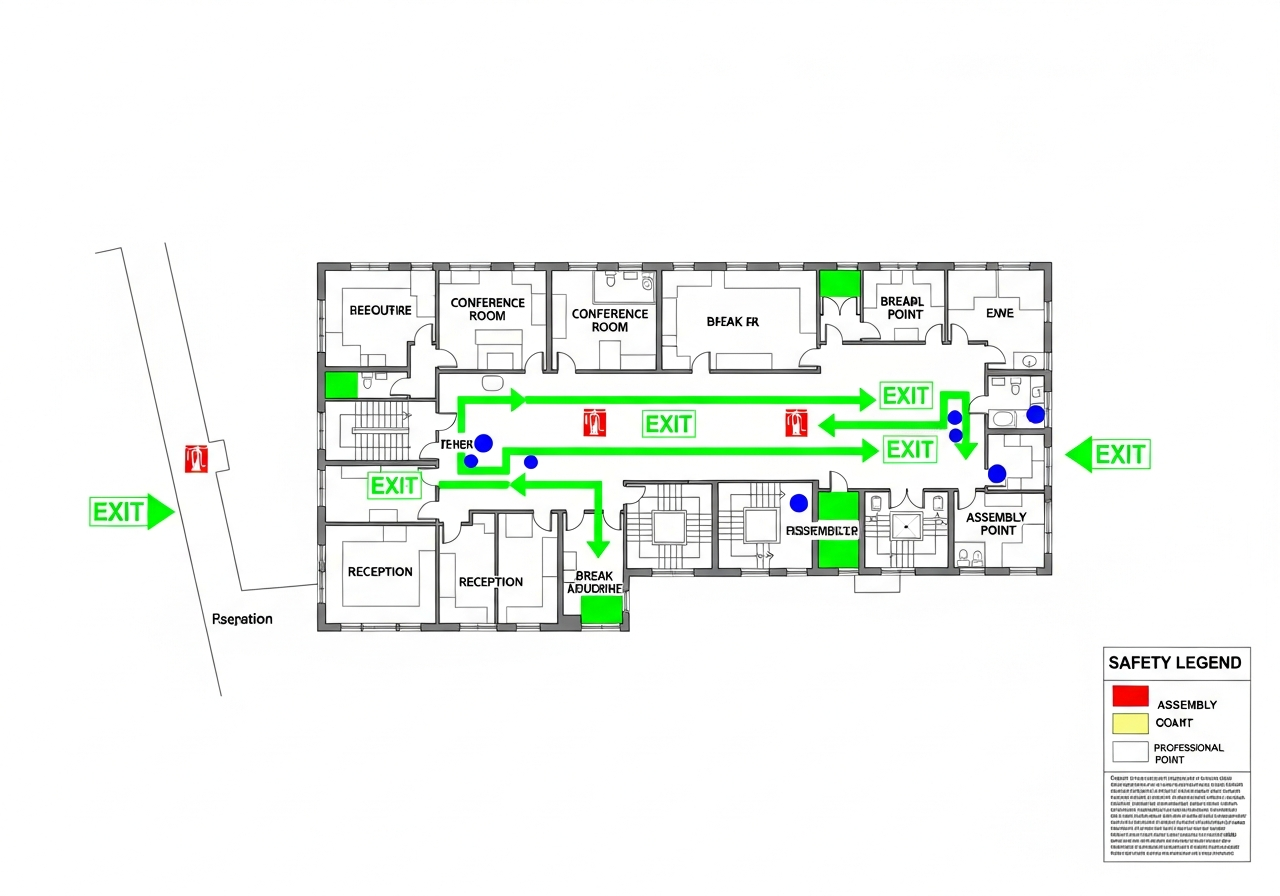
Office Building Emergency Plan TemplateStart here for multi-tenant offices and commercial floors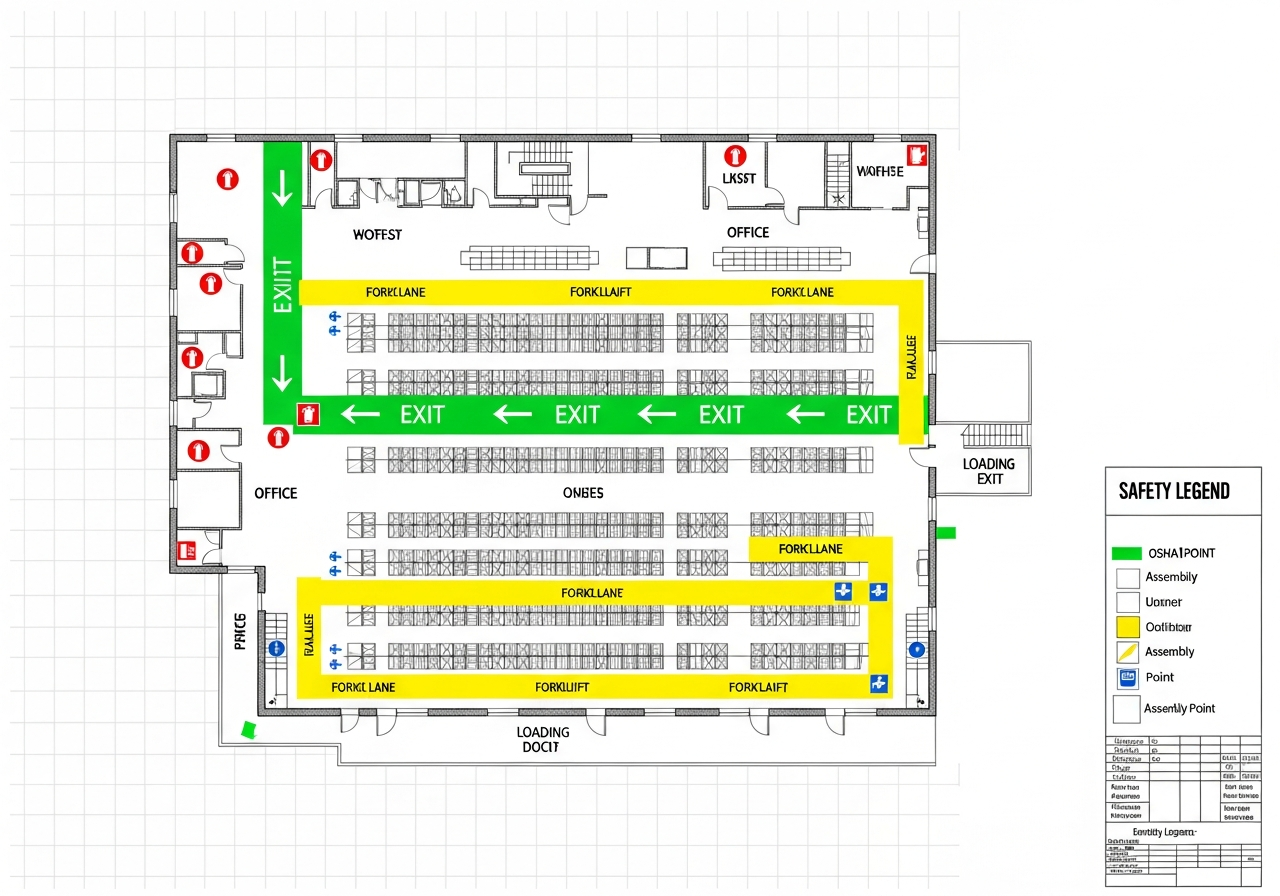 Warehouse Evacuation Plan TemplateView warehouse planning notes
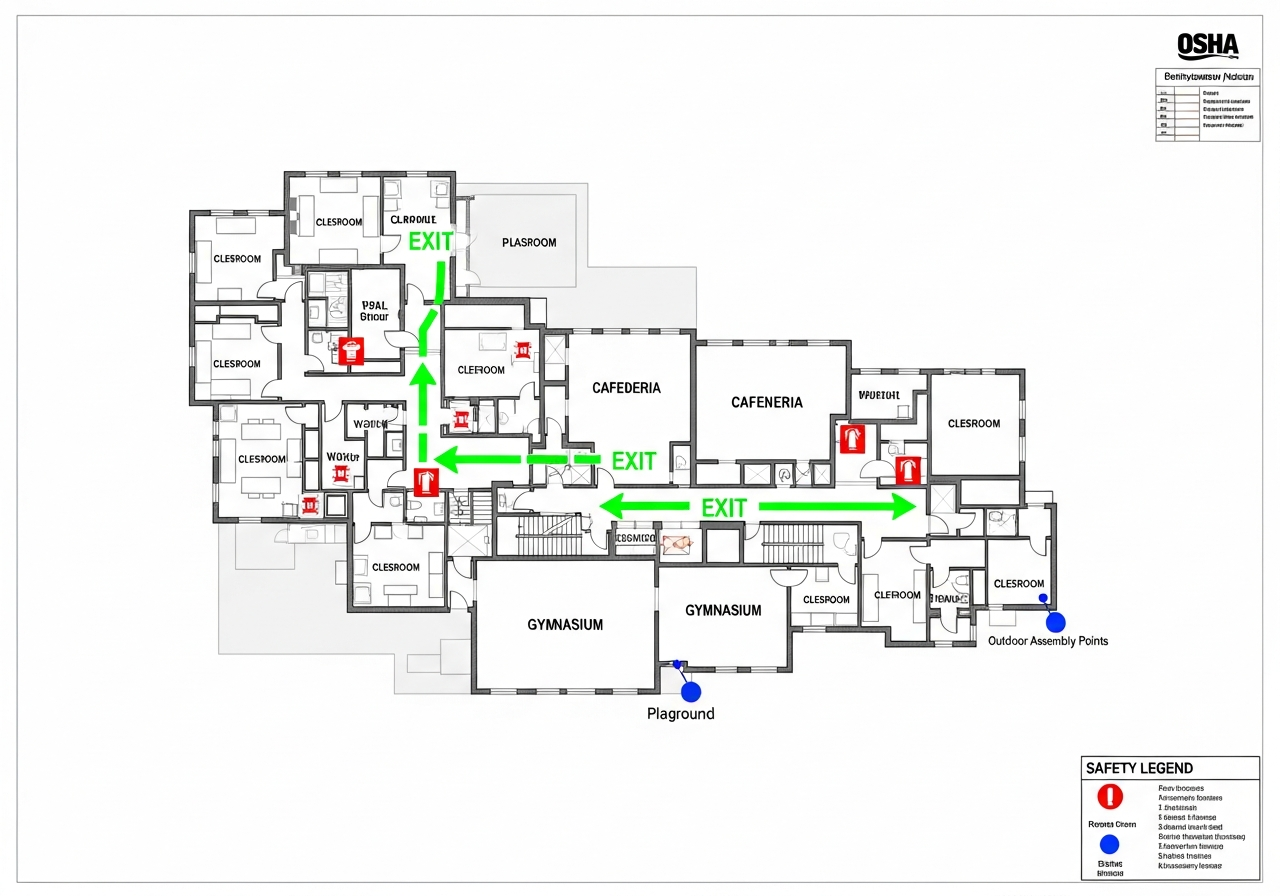 School Evacuation Plan TemplateView school planning notes
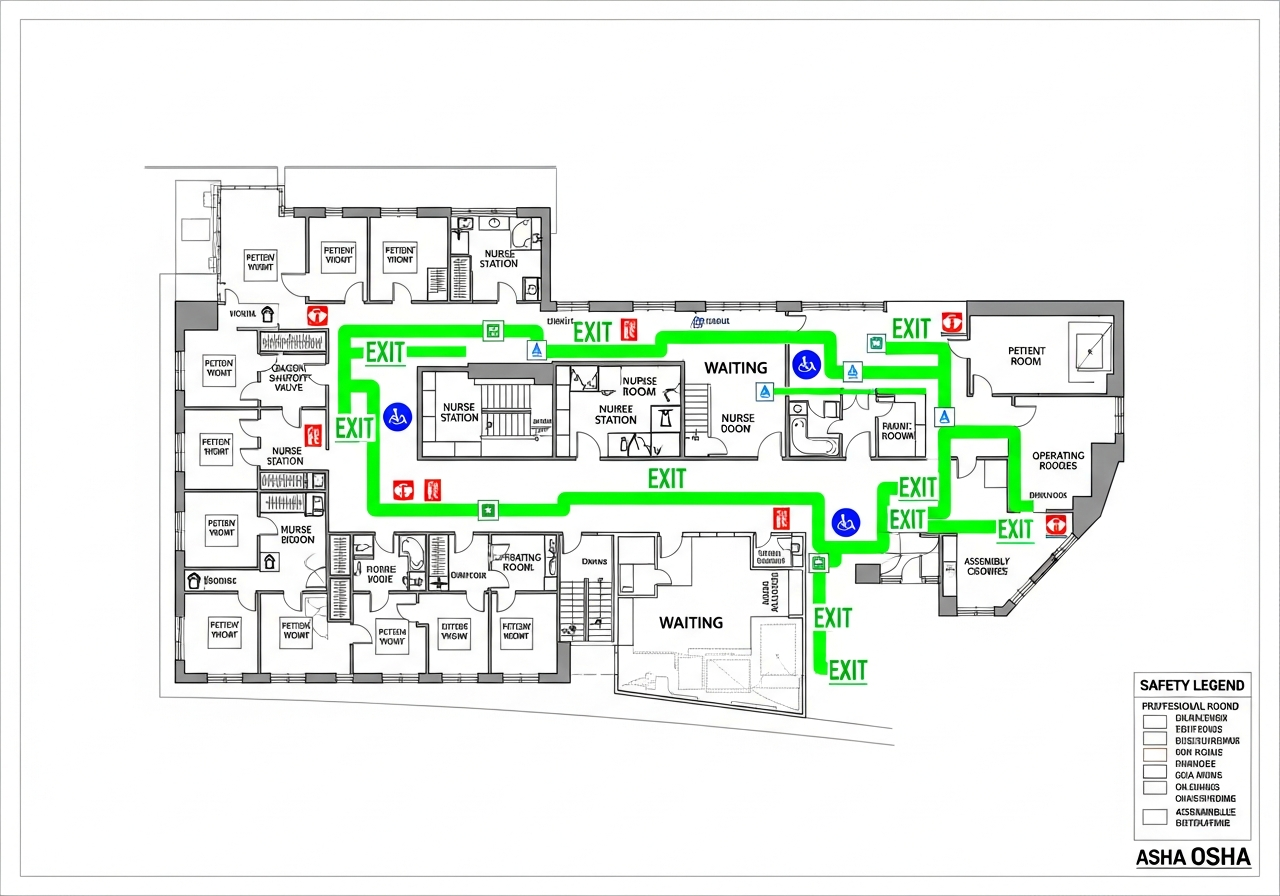 Hospital Evacuation Plan TemplateView hospital or clinic planning notes
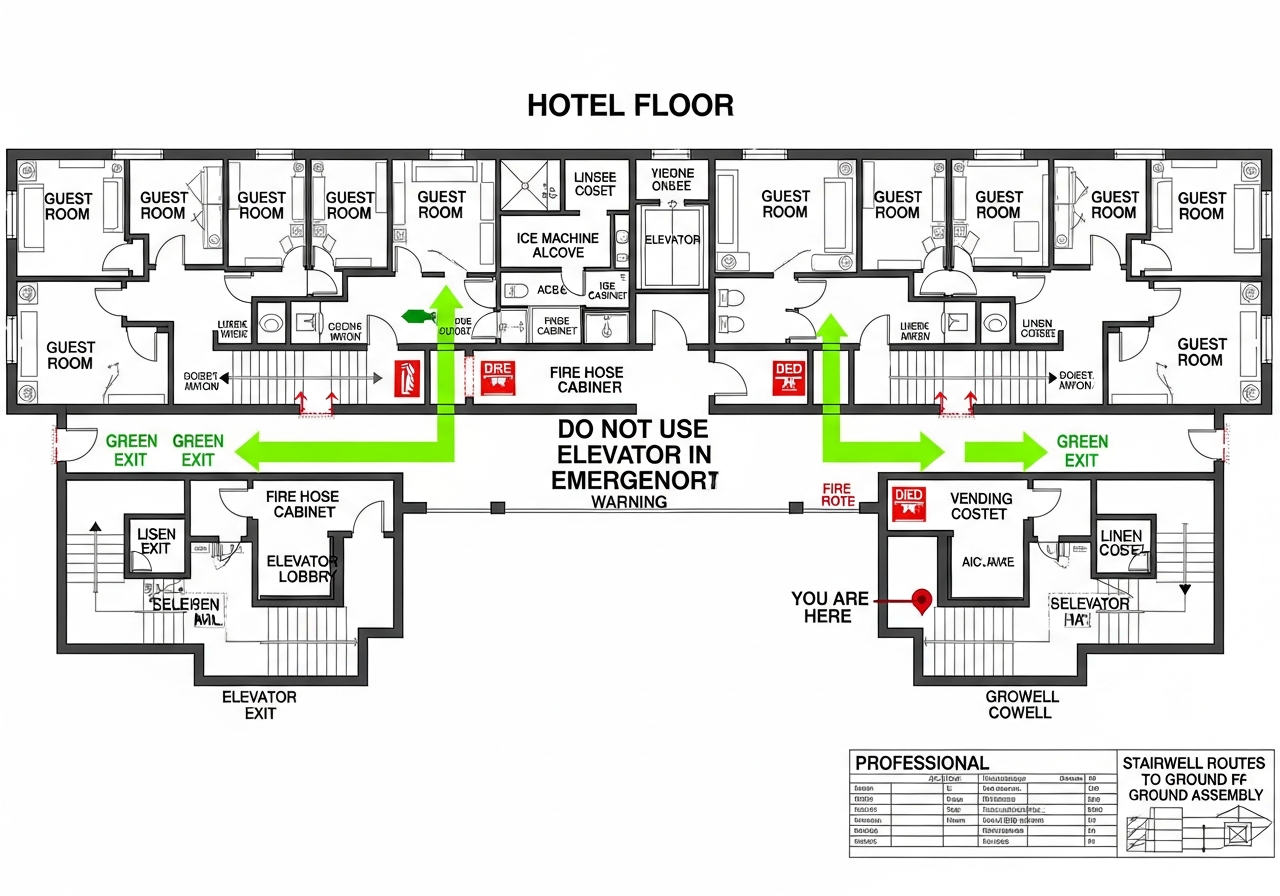 Hotel Fire Escape Plan TemplateView hotel planning notes
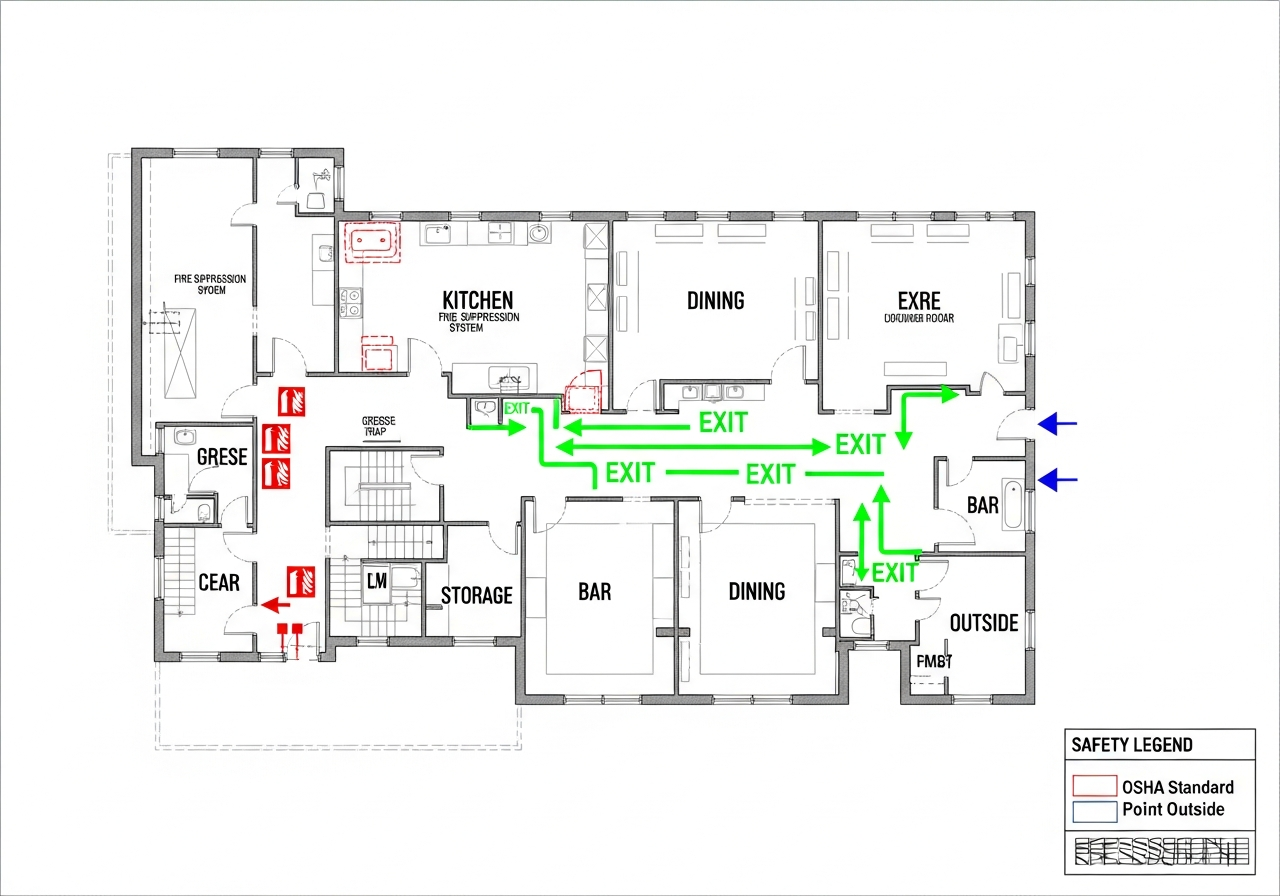 Restaurant Evacuation Plan TemplateView restaurant planning notes
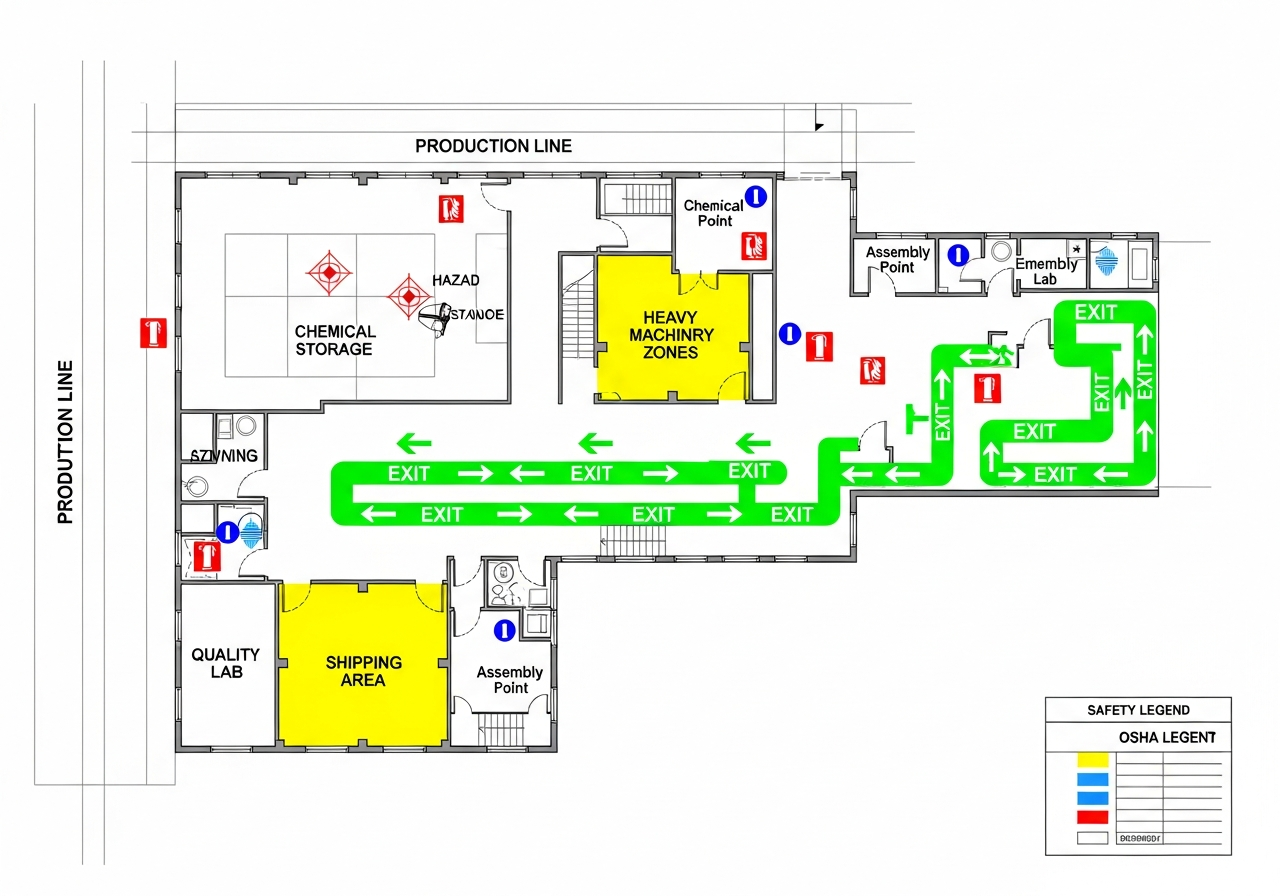 Manufacturing Evacuation Plan TemplateView manufacturing facility planning notes
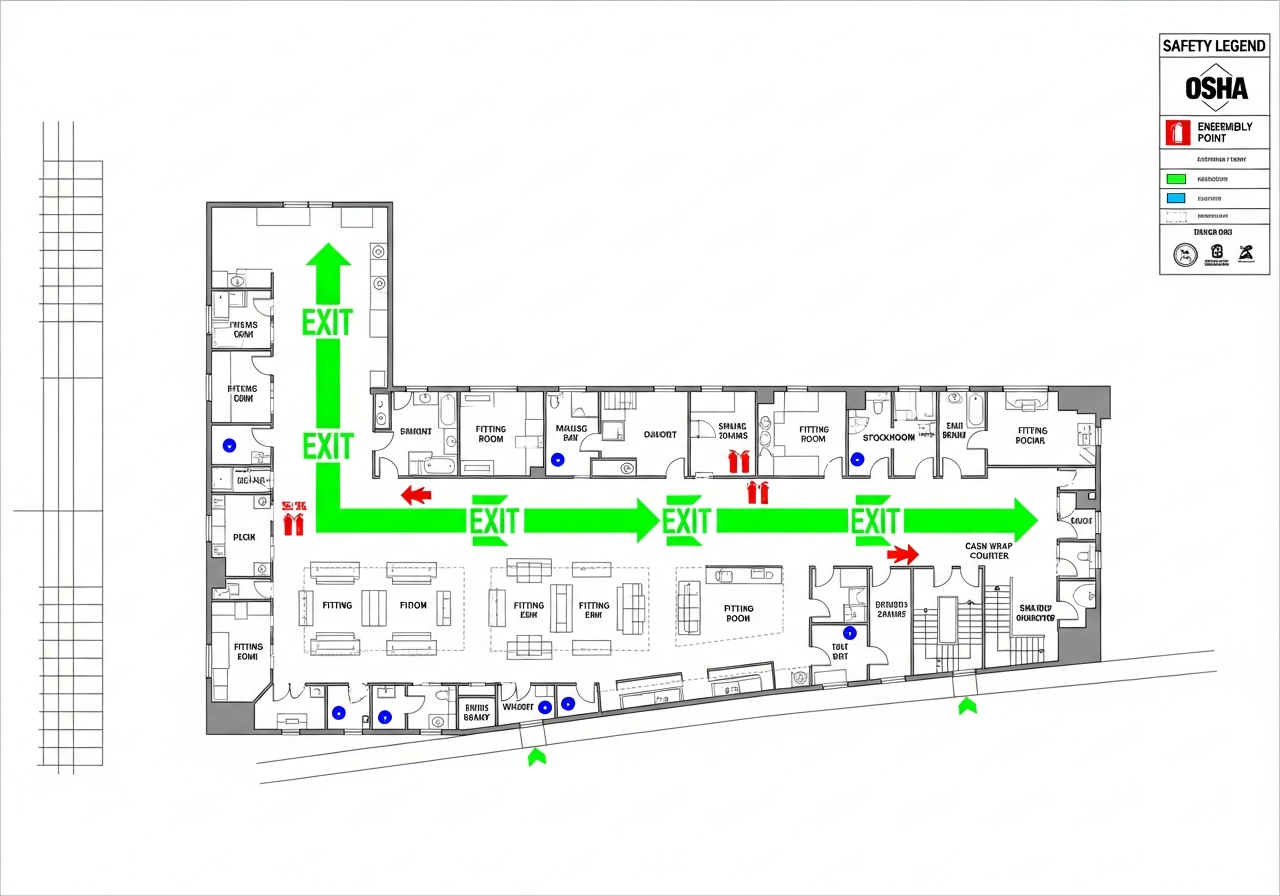 Retail Store Evacuation Plan TemplateView retail store planning notes
05 / Field-to-post workflow
Upload a floor plan, PDF, or clear hand sketch.
Generate an editable route and safety-symbol draft.
Verify exits, equipment, routes, and each posting location.
Complete qualified review before the map is posted.
06 / Review bench
Connect the map draft to the facility type and location instead of relying on a generic national checklist.
07 / Living-plan discipline
Tenant improvements, rack moves, new equipment, shifted rooms, access-control changes, and construction phasing can all make an old route drawing misleading. Keep a revision owner and date beside the source plan.
Use the map to surface questions about travel, exits, equipment, and posting position. The facility team and qualified reviewers decide what the approved procedure and final posted version should say.
A PDF stored in a folder does not orient someone in a corridor. Create viewer-specific copies, check viewing direction, and keep the version label readable where the map will be used.
08 / Route review questions
Use this short field prompt during a facilities walk. For specialized facilities, start with the relevant industry guidance, then connect the work to your state, city, and existing posting guidance.
Separate household planning branch
Use the household guides for family decisions and practice. They are separate from workplace OSHA obligations and do not replace building-specific instructions.
09 / Fire escape plan maker FAQ
It is a workspace for turning a facility floor plan, PDF, or hand sketch into an editable evacuation-map draft with routes, exits, safety symbols, and posting information.
Yes. Upload a clear photo of the sketch, then compare the generated draft with the physical site before final review.
No. It is an OSHA-aligned starting point. Verify routes, equipment, building conditions, local requirements, and obtain qualified review before posting.