⭐ Authority ContentEssential Guide

OSHA's Five General Hazard Categories

Understand the five categories of workplace hazards recognized by OSHA, how to identify them, and how to map them on your evacuation plan for full compliance.

5Hazard Categories
4,764Workplace Deaths (2023)
$16,550Max Serious Fine
OSHA Compliance Checklist

Generate a hazard-aware evacuation map in minutes

🛡️OSHA-Aligned
⭐7,500+ Maps Created
✅100% Satisfaction
🔍
You searched:"What are the five general hazard categories recognized by OSHA?"

📄What Are the Five General Hazard Categories?

Recognizing broad workplace hazard categories can support a safety program and help reviewers consider whether an evacuation-map draft accounts for relevant hazardous zones. Common categories include physical, chemical, biological, ergonomic, and psychosocial hazards. The employer must determine which OSHA standards and controls apply to the actual work; a map does not replace that assessment.

📄1. Physical Hazards

Physical hazards are the most common workplace hazard category. They include: unguarded machinery and moving parts (29 CFR 1910.212), electrical hazards (29 CFR 1910 Subpart S), slips, trips, and falls (29 CFR 1910 Subpart D), noise exposure above 85 dB (29 CFR 1910.95), extreme temperatures, radiation, and vibration. Physical hazards are responsible for the majority of OSHA's 'Fatal Four' construction deaths: falls (36.4%), struck-by (9.8%), electrocutions (7.3%), and caught-in/between (4.4%). On evacuation maps, physical hazard zones should be clearly marked to ensure evacuation routes avoid these areas.

📄2. Chemical Hazards

Chemical hazards involve exposure to harmful substances in any form — liquids, gases, vapors, dusts, or fumes. OSHA regulates these through the Hazard Communication Standard (29 CFR 1910.1200), which requires Safety Data Sheets (SDS), proper labeling, and employee training. Common examples include cleaning solvents, welding fumes, asbestos, lead, and combustible dust. Chemical storage areas must be clearly marked on evacuation maps, and evacuation routes must be designed to move people away from chemical hazard zones.

📄3. Biological Hazards

Biological hazards (biohazards) include exposure to bacteria, viruses, fungi, parasites, and other living organisms that can cause illness. Industries most affected include healthcare (Bloodborne Pathogens Standard 29 CFR 1910.1030), agriculture, food processing, and laboratory work. Biological hazard areas — such as labs, patient isolation rooms, or waste processing areas — should be marked on evacuation maps with the universal biohazard symbol to alert evacuees and first responders.

📄4. Ergonomic Hazards

Ergonomic hazards result from workplace conditions that cause musculoskeletal disorders (MSDs). They include repetitive motions, awkward postures, forceful exertions, heavy lifting, and prolonged static positions. While OSHA has no specific ergonomics standard, employers are cited under the General Duty Clause. MSDs account for nearly 30% of all worker's compensation claims. Ergonomic hazards should be factored into evacuation planning — workstations that restrict movement may impede rapid egress during emergencies.

📄5. Psychosocial Hazards

Psychosocial hazards are workplace factors that affect mental health and well-being, including workplace violence, excessive workload, harassment, and shift work stress. OSHA addresses workplace violence through enforcement guidelines and the General Duty Clause. In high-risk settings (healthcare, retail, late-night work), psychosocial hazards like violence risk directly impact evacuation planning — active shooter and workplace violence scenarios require specific evacuation or shelter-in-place procedures on emergency maps.

✓Hazard Identification Checklist

  • ✓Walk through every area of the workplace to identify physical hazards
  • ✓Review Safety Data Sheets for all chemicals on-site
  • ✓Assess biological exposure risks for each job role
  • ✓Evaluate workstation ergonomics and repetitive task exposure
  • ✓Document psychosocial risks including violence potential
  • ✓Map all identified hazards on your floor plan
  • ✓Mark hazard zones on evacuation maps with proper symbols
  • ✓Train employees on hazards specific to their work area
  • ✓Review and update hazard assessments at least annually
  • ✓Integrate hazard locations with emergency evacuation routes

📊Why Hazard Mapping Matters

🏥
2.6MInjuries Annually

Nonfatal workplace injuries reported to BLS in 2023

💪
30%MSD Claims

Musculoskeletal disorders as share of workers comp claims

💰
$42KAvg Injury Cost

Average cost per OSHA recordable workplace injury

📉
4xReduction Factor

Facilities with mapped hazards see 4x fewer incidents

👨‍💼
Expert Tip

Expert Hazard Assessment Tip

Dr. Sarah ChenCertified Industrial Hygienist, 20+ Years

The most effective hazard assessments combine all five categories into one walkthrough. I use a simple color-coded system: red dots for physical hazards, orange for chemical, green for biological, blue for ergonomic, and purple for psychosocial. This visual approach makes it easy to transfer hazard locations onto your evacuation map. Remember — OSHA inspectors increasingly check whether your emergency plans account for facility-specific hazards, not just generic exit routes.

❓

Frequently Asked Questions

OSHA recognizes five general categories of workplace hazards: (1) Physical hazards — machinery, electricity, falls, noise, temperature; (2) Chemical hazards — toxic substances, flammables, combustible dust; (3) Biological hazards — bacteria, viruses, fungi, bloodborne pathogens; (4) Ergonomic hazards — repetitive motion, heavy lifting, awkward postures; and (5) Psychosocial hazards — workplace violence, stress, harassment.

Each hazard category may affect evacuation planning differently. Chemical storage areas must be avoided in evacuation routes. Biological hazard zones need special decontamination procedures. Physical hazards like machinery must be shut down before evacuation. Mapping all hazard types on your evacuation plan ensures routes are safe and emergency responders know where risks exist.

Physical hazards are the most commonly encountered category across all industries. They include slips, trips, falls, machinery hazards, electrical dangers, and noise exposure. However, the most dangerous category varies by industry — chemical hazards dominate in manufacturing, biological in healthcare, and ergonomic in office settings.

Yes. Under OSHA's General Duty Clause (Section 5(a)(1)), employers must provide a workplace free from recognized hazards. Specific standards like 29 CFR 1910.132(d) require written hazard assessments for PPE selection. The Hazard Communication Standard (1910.1200) requires chemical hazard identification. Regular hazard assessments covering all five categories are considered essential for compliance.

📚

Generate Your OSHA-Aligned Evacuation Map

Upload your floor plan and get a professional, compliant evacuation map in minutes.

📊 5 Free Maps Left

Create Your Evacuation Map

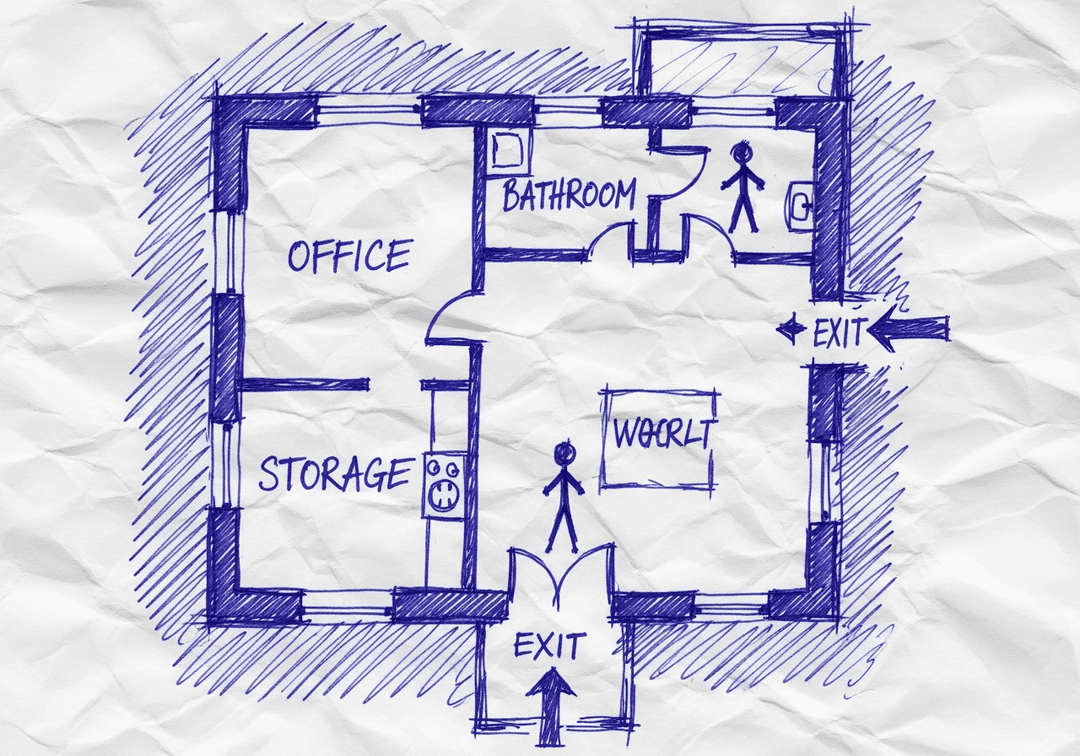
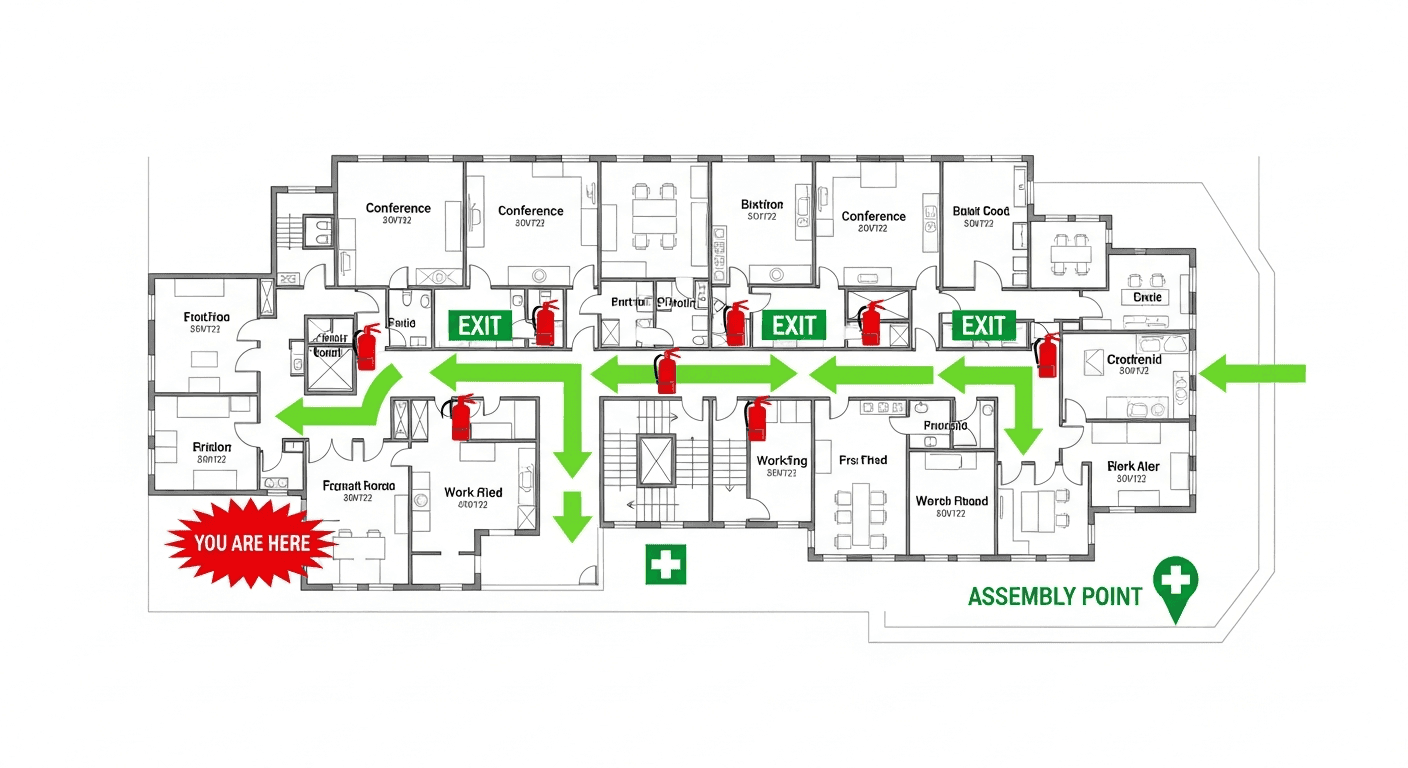
See the safety plan from every angleWatch a sketch become a polished map, then step inside.Watch demo Need to start from a rough layout?Sketch rooms and exits, then turn it into a clear safety map.Draw your map
✏️
High ContrastUse dark ink on white paper. Bold lines help our AI detect walls accurately
📐
Top-Down AnglePhotograph from directly above — tilted angles distort the geometry
🏷️
Label RoomsWrite "Exit", "Storage", "Breakroom" etc. — our AI reads your labels for compliance
🔍
Full Floor PlanCapture the entire layout including all walls, doors, and exits — no cropping
🚪
Mark ExitsCircle or label exit doors with a red dot or "EXIT" text for best detection
💡
Good LightingAvoid shadows and glare — even lighting produces the sharpest results
📁

Drag & drop your floor plan here

or

PNG, JPG, HEIC, TIFF, BMP, SVG, AVIF, WebP, PDF, DOC, DOCX, PPT, PPTX, XLS, XLSX, ODT, ODP, ODS, DXF, DWG - Hand-drawn sketches work too!

or

No floor plan handy? Try the included floor plan with real AI generation — no upload needed. This may take a minute or longer.

Edit your map for free.
Move, resize, and recolor every exit sign, route, and icon.
Create a free account to save and download in HD. No credit card required.
FREE
🔒Your files are private: never shared, stored temporarily, deleted automatically.

Compliance Options

🔥 NEW✨

Customize Your Map

Add special requests for your safety map - tell our AI exactly what you need!

  • 🎯Add specific details like "Mark fire extinguisher near kitchen"
  • 📍Request specific zones: "Highlight assembly point in parking lot"
  • 🏥Add safety equipment: "Include AED location near reception"
0/2000

Quick Add:

Automatic (recommended)

Redraw the architecture from your floor plan first, then add editable safety markings. The original upload remains a reference, not the map background.

Frequently Asked Questions

Is this evacuation map generator really free?

Yes — you can generate your first OSHA-aligned evacuation map draft completely free. Just upload a floor plan and our AI drafts a professional map in about 30 seconds. No credit card required.

Are the generated maps aligned with OSHA?

Our AI drafts maps that follow OSHA 29 CFR 1910.36–37 and NFPA 101 Life Safety Code standards. Every map includes clearly marked exits, fire extinguisher locations, assembly points, and directional evacuation arrows. Supervisor review is required before posting to your facility.

What file formats can I upload?

We accept PNG, JPG, GIF, WebP, BMP, TIFF, AVIF, HEIC, SVG, PDF, DOC/DOCX, PPT/PPTX, XLS/XLSX, ODT, ODP, ODS, DXF, and DWG floor plans. Office and CAD files are converted securely before processing; PDF uploads let you choose the source page.

How long does map generation take?

Most maps are generated in 20–40 seconds. Complex multi-floor plans may take slightly longer. You see the preview instantly — create a free account (no credit card) to download the file.

Can I edit the map after generation?

Yes — every generated map opens in a free drag-and-drop editor where you can move, resize, and recolor exit signs, routes, and equipment icons. Enterprise features like multi-floor support and branded maps are available on paid plans.

Is my floor plan data secure?

Yes. All uploads are encrypted in transit (TLS 1.3) and processed in secure cloud environments. We do not share your floor plans with third parties.