🛡️
Avoid $15,625+ OSHA FinesGenerate a compliant evacuation map in 60 seconds — free.

Q: Should evacuation maps include active shooter response?

Quick Answer:

Yes. Modern maps should show not just evacuation routes but also shelter areas for severe weather and lockable rooms for active threat situations. This all-hazards approach prepares employees for multiple emergency types.

🚀 Advanced Topics

Evacuation Planning for Active Shooter & Non-Fire Events

Modern emergency planning extends beyond fire. Learn how to prepare for active threats, severe weather, and other non-fire emergencies.

Last reviewed: June 8, 2026 · Reviewed by OSHAMap Safety Editorial Team · Review with a qualified safety professional when required.
Run-Hide-FightActive Threat
All-HazardsApproach
Multi-OptionResponse

Include shelter areas and multiple response options

🛡️OSHA-Aligned
7,500+ Maps Created
100% Satisfaction
🔍
You searched:"Active shooter evacuation plan workplace"

📄Beyond Fire: All-Hazards Planning

Modern emergency planning uses an "all-hazards" approach that prepares for multiple emergency types: fires, severe weather, hazmat incidents, medical emergencies, and active threats. Each emergency type may require different responses - sometimes evacuation, sometimes shelter-in-place, sometimes lockdown. Evacuation maps should support all response options.

📋Active Threat Response (Run-Hide-Fight)

  • 📋RUN: Know primary and secondary escape routes (same as fire)
  • 📋HIDE: Identify lockable rooms and shelter locations on maps
  • 📋FIGHT: Last resort only, not typically shown on maps
  • 📋Maps should show multiple exit options from each area
  • 📋Consider routes away from main corridors/common areas
  • 📋Identify rooms that can be secured from inside

📋Severe Weather Shelter Planning

  • 📋Identify interior rooms away from windows (tornado)
  • 📋Lowest floor locations for severe storms
  • 📋Avoid large open spaces (gymnasiums, cafeterias)
  • 📋Mark shelter areas on evacuation maps
  • 📋Capacity considerations for shelter areas
  • 📋Communication systems in shelter areas
🗺️
Need an OSHA-aligned evacuation map?Create a professional evacuation map in under 2 minutes
Create Your Free Map

All-Hazards Map Enhancements

  • Clearly marked severe weather shelter areas
  • Rooms suitable for lockdown/barricade identified
  • Multiple exit routes from each location shown
  • Hazmat-specific evacuation routes (upwind, uphill)
  • Medical emergency response locations (AED, first aid)
  • Communication device locations
  • Legend explaining different emergency response zones

📄Training for Different Emergencies

Employees need training on when to evacuate vs. shelter vs. lockdown. Fire alarms mean immediate evacuation. Tornado warnings mean move to shelter. Active threat situations require real-time judgment (run if safe, hide if not). Regular drills for each scenario reinforce proper response.

Frequently Asked Questions

Yes. Modern maps should show not just evacuation routes but also shelter areas for severe weather and lockable rooms for active threat situations. This all-hazards approach prepares employees for multiple emergency types.

Fire: Evacuate immediately. Tornado: Shelter in interior rooms. Hazmat: Evacuate upwind/uphill or shelter with sealed doors. Active threat: Run if safe path exists, hide if not. Train employees on each scenario.

OSHA does not specifically mandate active shooter training for most industries. However, OSHA's General Duty Clause requires employers to provide a safe workplace, and many employers include active threat training as part of comprehensive emergency preparedness.

📚
🎁Register for 1 Free File Upload + 5 Regenerations

Create Your OSHA-aligned Safety Map Now

Upload any floor plan and get a professional, OSHA-aligned evacuation map in under 60 seconds.

Instant Results
📋Print-Ready
OSHA-Aligned
💰Save $1,000+

No credit card • No account needed • Unlimited revisions

Generate Your OSHA-Aligned Evacuation Map

Upload your floor plan and get a professional, compliant evacuation map in minutes.

📊 5 Free Maps Left

Create Your Evacuation Map

Interactive 3D fly-through included with every map — walk through your building & record a video, free with your account.See a live demo →NEW · 3D
✏️
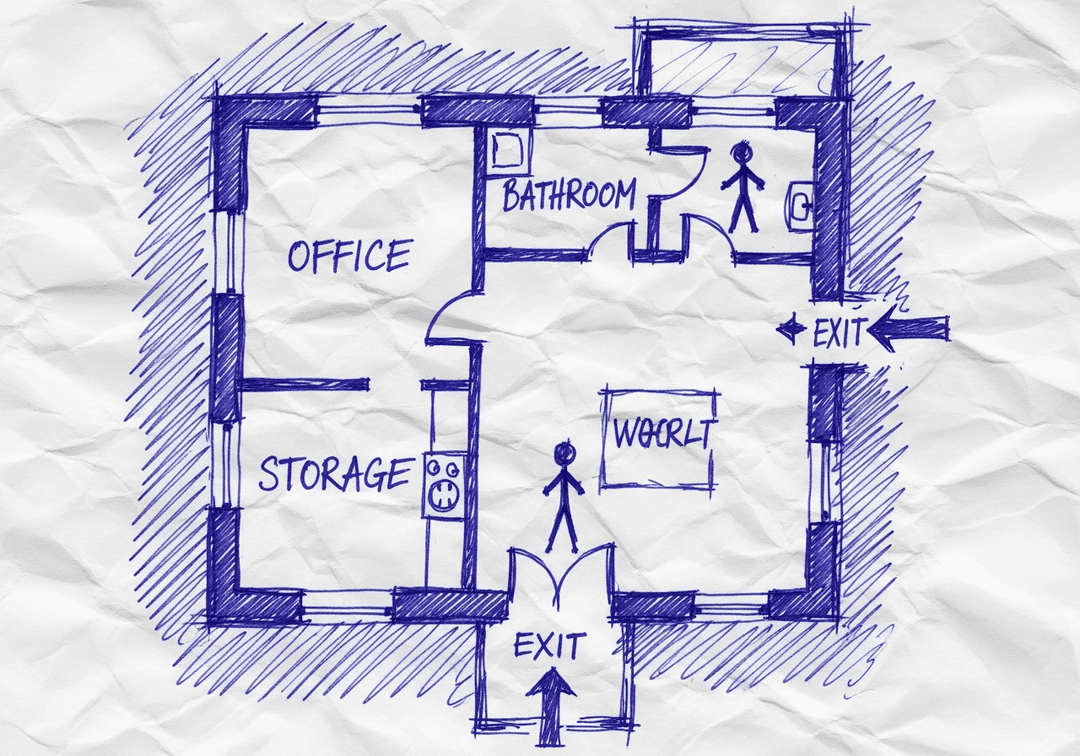
High ContrastUse dark ink on white paper. Bold lines help our AI detect walls accurately
📐
Top-Down AnglePhotograph from directly above — tilted angles distort the geometry
🏷️
Label RoomsWrite "Exit", "Storage", "Breakroom" etc. — our AI reads your labels for compliance
🔍
Full Floor PlanCapture the entire layout including all walls, doors, and exits — no cropping
🚪
Mark ExitsCircle or label exit doors with a red dot or "EXIT" text for best detection
💡
Good LightingAvoid shadows and glare — even lighting produces the sharpest results
📁

Drag & drop your floor plan here

or

PNG, JPG, HEIC, TIFF, BMP, PDF - Hand-drawn sketches work too!

or

No floor plan handy? Generate an instant demo map — no upload needed.

Edit your map for free.
Move, resize, and recolor every exit sign, route, and icon.
Create a free account to save and download in HD. No credit card required.
FREE
🔒Your files are private: never shared, stored temporarily, deleted automatically.

Compliance Options

🔥 NEW

Customize Your Map

Add special requests for your safety map - tell our AI exactly what you need!

  • 🎯Add specific details like "Mark fire extinguisher near kitchen"
  • 📍Request specific zones: "Highlight assembly point in parking lot"
  • 🏥Add safety equipment: "Include AED location near reception"
0/2000

Quick Add:

Frequently Asked Questions

Is this evacuation map generator really free?

Yes — you can generate your first OSHA-aligned evacuation map draft completely free. Just upload a floor plan and our AI drafts a professional map in about 30 seconds. No credit card required.

Are the generated maps aligned with OSHA?

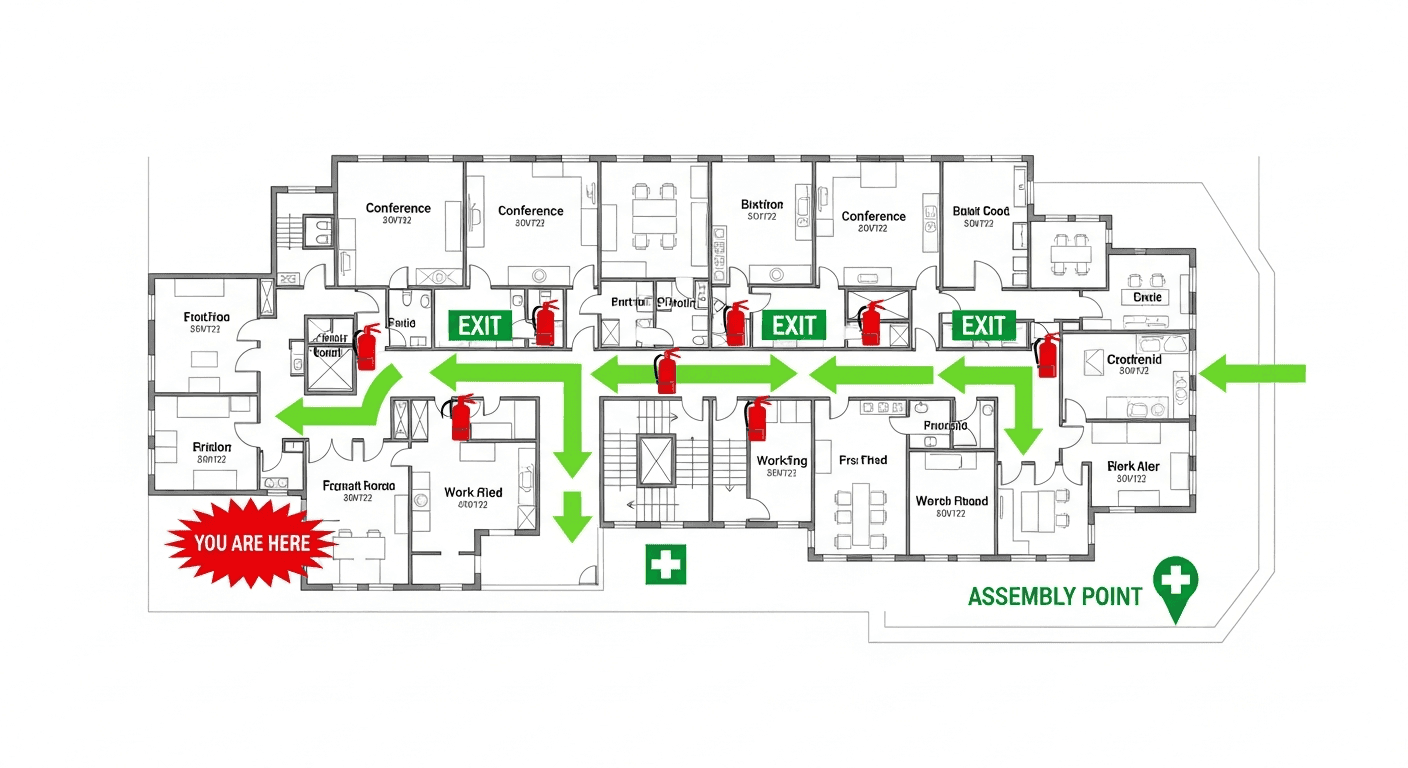
Our AI drafts maps that follow OSHA 29 CFR 1910.36–37 and NFPA 101 Life Safety Code standards. Every map includes clearly marked exits, fire extinguisher locations, assembly points, and directional evacuation arrows. Supervisor review is required before posting to your facility.

What file formats can I upload?

We accept JPG, PNG, and PDF floor plans. For best results, use a clear, high-resolution image of your floor plan with visible walls, doors, and rooms.

How long does map generation take?

Most maps are generated in 20–40 seconds. Complex multi-floor plans may take slightly longer. You see the preview instantly — create a free account (no credit card) to download the file.

Can I edit the map after generation?

Yes — every generated map opens in a free drag-and-drop editor where you can move, resize, and recolor exit signs, routes, and equipment icons. Enterprise features like multi-floor support and branded maps are available on paid plans.

Is my floor plan data secure?

Yes. All uploads are encrypted in transit (TLS 1.3) and processed in secure cloud environments. We do not share your floor plans with third parties.