🚨Correction notice? Reinspection coming? Start here.

Did the Fire Marshal Ask You for an Evacuation Map?

If a fire inspection left you with a correction notice, you can fix it fast. Upload your inspection notice, floor plan, PDF, or a quick sketch and OSHAMap helps you build an editable evacuation map — exits, primary and alternate routes, the outside assembly point, and the "You Are Here" marker — so you have a clear draft to review and post before your reinspection.

No design software Editable before download Primary + alternate routes Print-ready output Final local review recommended

No credit card. A photo of your floor plan or the posted map works too.

Trusted by businesses of all sizes
🇺🇸Used in all 50 States
🗺️Over 15,000 evacuation maps generated
🔒Built on secure, encrypted infrastructure256-bit SSL
OSHA-aligned US standards29 CFR 1910.38
Last reviewed: June 18, 2026 · Reviewed by Sarah Chen, P.E., CFPS · Review with a qualified safety professional when required.

Got a fire inspection correction? Fix the evacuation map now.

Upload your inspection notice, floor plan, PDF, or sketch and generate an editable, print-ready evacuation map draft to review before your reinspection.

Upload Inspection Notice

Built for businesses with a correction notice, a reinspection date, and not much time.

What Did Your Inspector Ask You to Correct?

Pick the line item that matches your correction notice. Each one jumps straight to the generator so you can start fixing it now. Not sure which applies? Choose "I am not sure" and build a complete draft to compare.

Build Your Correction Map Now

Upload your inspection notice, floor plan, PDF, or sketch — place your exits, routes, assembly point, and "You Are Here" marker — and export a print-ready draft to review before reinspection.

📊 5 Free Maps Left

Create Your Evacuation Map

✏️
High ContrastUse dark ink on white paper. Bold lines help our AI detect walls accurately
📐
Top-Down AnglePhotograph from directly above — tilted angles distort the geometry
🏷️
Label RoomsWrite "Exit", "Storage", "Breakroom" etc. — our AI reads your labels for compliance
🔍
Full Floor PlanCapture the entire layout including all walls, doors, and exits — no cropping
🚪
Mark ExitsCircle or label exit doors with a red dot or "EXIT" text for best detection
💡
Good LightingAvoid shadows and glare — even lighting produces the sharpest results
📁

Drag & drop your floor plan here

or

PNG, JPG, HEIC, TIFF, BMP, PDF - Hand-drawn sketches work too!

or

No floor plan handy? Generate an instant demo map — no upload needed.

Edit your map for free.
Move, resize, and recolor every exit sign, route, and icon.
Create a free account to save and download in HD. No credit card required.
FREE
🔒Your files are private: never shared, stored temporarily, deleted automatically.

Compliance Options

🔥 NEW

Customize Your Map

Add special requests for your safety map - tell our AI exactly what you need!

  • 🎯Add specific details like "Mark fire extinguisher near kitchen"
  • 📍Request specific zones: "Highlight assembly point in parking lot"
  • 🏥Add safety equipment: "Include AED location near reception"
0/2000

Quick Add:

Frequently Asked Questions

Is this evacuation map generator really free?

Yes — you can generate your first OSHA-aligned evacuation map draft completely free. Just upload a floor plan and our AI drafts a professional map in about 30 seconds. No credit card required.

Are the generated maps aligned with OSHA?

Our AI drafts maps that follow OSHA 29 CFR 1910.36–37 and NFPA 101 Life Safety Code standards. Every map includes clearly marked exits, fire extinguisher locations, assembly points, and directional evacuation arrows. Supervisor review is required before posting to your facility.

What file formats can I upload?

We accept JPG, PNG, and PDF floor plans. For best results, use a clear, high-resolution image of your floor plan with visible walls, doors, and rooms.

How long does map generation take?

Most maps are generated in 20–40 seconds. Complex multi-floor plans may take slightly longer. You can download your map immediately after generation.

Can I edit the map after generation?

The generated map is a high-resolution image you can download and print. For custom edits or enterprise features like multi-floor support and branded maps, check our pricing plans.

Is my floor plan data secure?

Yes. All uploads are encrypted in transit (TLS 1.3) and processed in secure cloud environments. We do not share your floor plans with third parties.

✓ Exits + primary & alternate routes✓ You Are Here marker✓ Assembly point✓ Editable before download✓ Print at 8.5×11 or 11×17

What OSHAMap Can Help You Put on the Map

A correction notice usually names a few missing items. A complete evacuation diagram addresses all of them at once, so you are not back for a third inspection.

🏢

Room & corridor layout

A clean plan of the floor — rooms, corridors, doors — that a person can read at a glance during an alarm.

🚪

Exits

Every usable exit marked and labeled, so the diagram matches the doors people will actually use.

🧭

Primary + alternate route

The nearest route to an exit plus a backup path in case the primary way out is blocked.

🅿️

Assembly location

A designated outside meeting point, placed away from the building and out of the fire-apparatus lane.

📍

You Are Here

An orientation marker matched to each posting spot so the routes read intuitively from that wall.

🧯

Extinguishers

Portable fire extinguisher locations marked for quick reference and to satisfy the cited line item.

🚨

Pull stations

Manual fire-alarm pull-station locations shown near exits and along egress paths.

❤️

AED / first aid

AED and first-aid station markers added when applicable to your occupancy.

🏷️

Address + floor designation

Building address and floor label so the right map is posted on the right floor.

📑

Legend

A symbol key so every marker on the map is unambiguous to a reader — and to the inspector.

📝

Emergency instructions

Short, plain-language emergency steps that pair with your Emergency Action Plan.

🔁

Revision date

A dated draft you can regenerate after a remodel so the posted map never falls out of date again.

From Marked-Up Sketch to a Map an Inspector Can Read

Concept illustration of the change you are making — the diagram below is a representation, not your actual file.

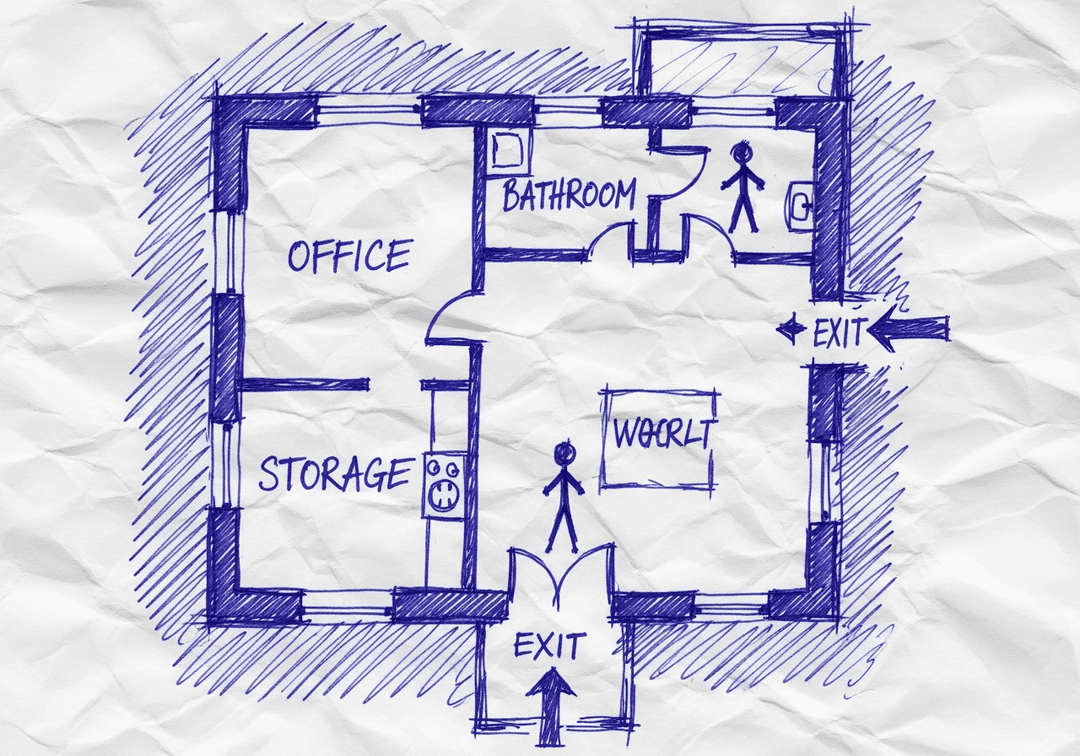
BEFORE
  • Old tenant's layout still posted
  • No "You Are Here" marker
  • One route drawn, no alternate
  • Extinguishers and pull stations missing
  • No assembly point shown
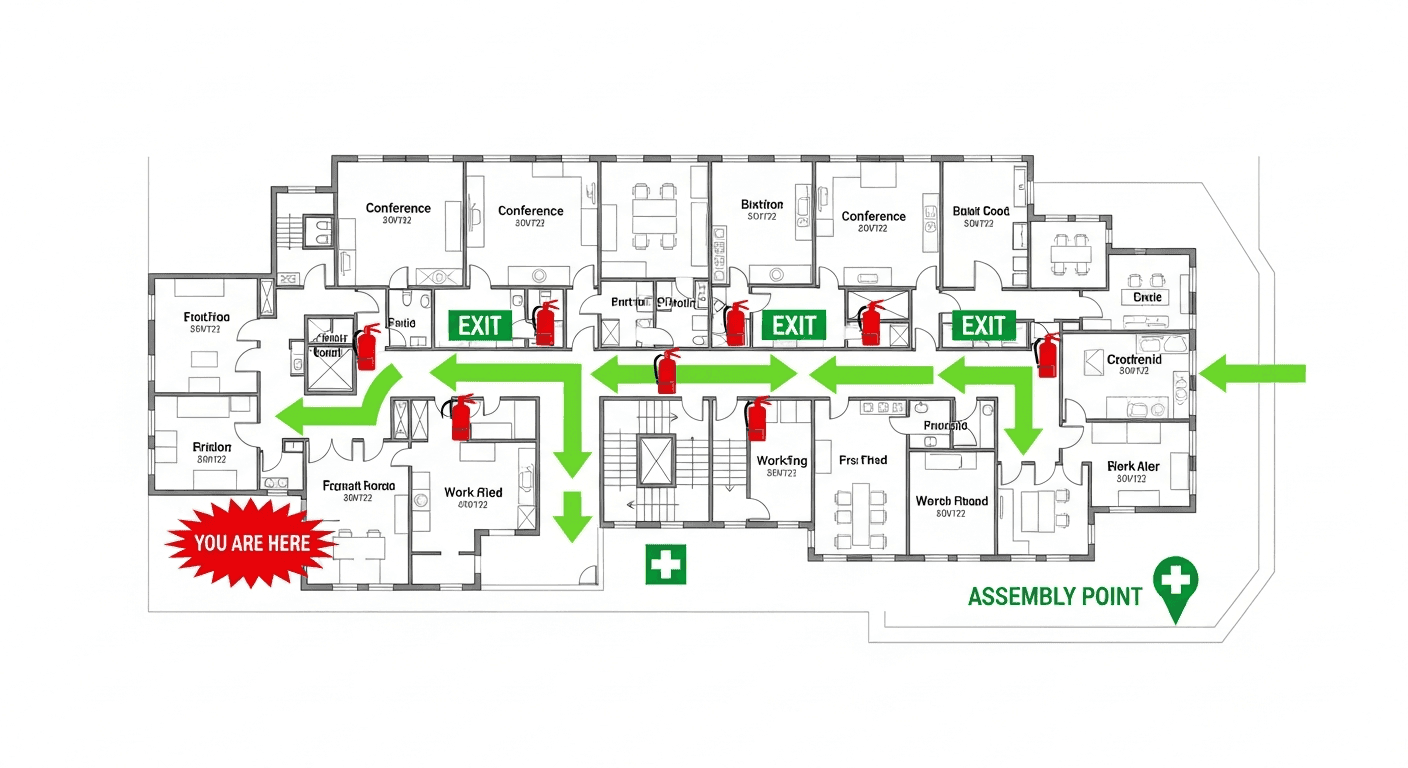
AFTER
  • Current floor layout, correct doors
  • Oriented "You Are Here" marker
  • Primary + alternate routes drawn
  • Extinguishers, pull stations, AED marked
  • Assembly point and legend included

Three Steps to a Reinspection-Ready Draft

1

Upload your notice or floor plan

Upload the inspection correction notice, a floor plan, a PDF lease drawing, a photo of the existing posted map, or a hand sketch. The clearer the input, the closer the draft starts.

2

Place exits, routes, and equipment

Add or adjust the exits, the primary and alternate routes, the You Are Here marker, the outside assembly point, extinguishers, pull stations, and AED/first aid. Edit everything before you export.

3

Export, post, and verify for reinspection

Download a print-ready map, post it at the locations your AHJ expects with the marker matched to each spot, walk the building to confirm it matches reality, and have it ready for the reinspection.

Pre-Reinspection Checklist

Walk the building with this list before the inspector returns. Copy or print it, then confirm the posted map matches what is actually on the floor — that is what gets cited.

Tip: keep a dated copy of the final map and a photo of each posting location — documentation of the correction is useful for the reinspection and for your insurer and records.

What the Standards Actually Say (and What They Don't)

Knowing where the requirement comes from helps you read your correction notice — and helps you ask the inspector the right follow-up question.

OSHA 29 CFR 1910.38

Requires a written Emergency Action Plan for employers when an OSHA standard mandates one. The plan must cover evacuation procedures and emergency escape route assignments. A posted map is the practical way to communicate those routes, even though 1910.38 describes the plan rather than dictating one universal map format.

OSHA 29 CFR 1910.36 & 1910.37

Set the design and maintenance rules for means of egress — exit routes must be permanent, unobstructed, and exit doors must be unlocked from the inside along the path of egress, with proper signage and lighting. Your routes on the map should reflect these real, usable paths.

NFPA 101 / IFC (as locally adopted)

The Life Safety Code and the International Fire Code drive most fire-marshal expectations for diagrams, posting, and equipment. Crucially, local adoption and amendments control what is enforced in your area — your AHJ's interpretation is the one that counts.

What is not a universal rule

There is no single nationwide mounting height or a blanket federal rule that a map must hang at every entrance and exit. Posting locations, heights, and required content vary by jurisdiction and occupancy. When in doubt, follow the exact wording on your correction notice and ask the inspector directly.

🛡️

Designed to help you prepare a clear evacuation-map draft for local review. OSHAMap produces an OSHA-aligned evacuation-map draft based on the information you provide. It is not legal advice and does not guarantee any inspection outcome. Final review by your employer and the local authority having jurisdiction (AHJ) — or a qualified safety professional — may be required before the map is posted.

Why People Under a Correction Deadline Use OSHAMap

Same-day draft

Upload, place markers, and export without waiting on a draftsperson or a consultant's schedule.

✏️

Editable before you commit

Adjust exits, routes, and markers and preview the result before you download or print anything.

🖨️

Print-ready output

Export at common poster sizes so you can print, laminate, and post the same day.

📐

Standards-referenced content

Content references 29 CFR 1910.38, 1910.36/37, NFPA 101, and the IFC — and is clear that the local AHJ controls enforcement.

👤

Reviewed by a fire protection engineer

This page is reviewed by Sarah Chen, P.E., CFPS — a licensed Professional Engineer and Certified Fire Protection Specialist.

🔁

Regenerate after changes

Keep the file and update it after a remodel so the posted map does not drift out of date and trigger another correction.

Fire Marshal Evacuation Map Correction — FAQ

The fire marshal said I need an evacuation map — what exactly are they asking for?

In most jurisdictions the inspector is asking for a posted diagram of your floor that shows where a person is standing ("You Are Here"), the primary and alternate routes to the nearest exits, the outside assembly point, and the locations of fire extinguishers, manual pull stations, and (when applicable) an AED or first-aid station. The expectation usually traces back to OSHA 29 CFR 1910.38 (the written Emergency Action Plan), the means-of-egress rules in 1910.36/1910.37, and the locally adopted fire code (often based on NFPA 101 or the IFC). Read the wording on your correction notice carefully — it almost always lists the specific items the inspector flagged.

How fast can I create an evacuation map before my reinspection?

You can produce a draft in a single sitting. Upload a floor plan, a PDF lease drawing, a photo of the posted plan, or even a hand sketch, place the markers, and export a print-ready file the same day. The slow part of a correction is usually waiting for a draftsperson or consultant — generating the draft yourself removes that wait so you can spend your remaining time walking the building and confirming the map matches reality before the inspector returns.

Does the map have to be drawn by an architect or licensed professional?

For a posted evacuation diagram, most authorities having jurisdiction (AHJs) do not require a stamped architectural drawing — they require a clear, accurate diagram that a person can understand during an emergency. That said, some jurisdictions, occupancy types, or building permits do require professional drawings, and the AHJ has the final say. Use the generated map as your working draft, then confirm with your local fire marshal whether a professionally prepared plan is needed for your occupancy.

What is a "You Are Here" marker and why did the inspector flag mine?

The "You Are Here" marker shows the reader exactly where they are standing relative to the rest of the floor. Inspectors flag it when it is missing, when a single generic map is posted in several locations without changing the marker, or when the map's orientation does not match the wall it is posted on (for example, the exit that is to your left in real life is drawn on the right). Each posting location should have a map oriented to that spot so the routes read intuitively under stress.

My inspector said my exit routes are wrong — how do I fix the routes on the map?

Walk the building first and trace the real path a person would take to each exit, then re-draw the primary route to the nearest usable exit and an alternate route in case the primary is blocked. Make sure no route passes through a door that is locked from the egress side, ends at a window or storage room, or crosses a space that is now walled off after a remodel. The generator lets you place and adjust both routes before you export, so you can match the diagram to what you verified on the floor.

Will this map guarantee I pass my reinspection?

No tool can guarantee a pass — your local fire marshal (the AHJ) makes that decision, and local code adoptions and amendments control what is enforced in your area. What you can control is showing up with a clear, accurate, correctly posted map that addresses every item written on your correction notice. Treat the generated file as an OSHA-aligned draft based on the information you provide, then verify it against your building and your notice before the reinspection.

Where do I have to post the corrected map?

Posting locations are set by your AHJ and the adopted fire code, not by a single universal rule. Common expectations include high-traffic and decision points such as near exits, by elevators or stairwells, in corridors, and in break or common areas, with the map oriented to each spot. Check the exact wording on your correction notice and ask the inspector where they expect maps; then post a version with the "You Are Here" marker matched to each location.

What is the difference between an evacuation map and an Emergency Action Plan?

The evacuation map is the posted diagram people read during an emergency. The Emergency Action Plan (EAP) under OSHA 29 CFR 1910.38 is the broader written program — it covers reporting procedures, evacuation procedures and routes, how to account for employees, rescue and medical duties, and who to contact. The map supports the EAP but does not replace it. If your correction notice references the written plan as well as the posted map, you will need both.

Fix the cited item — then fix the whole map

Upload your floor plan, book a free expert map review, or grab the free template pack. No credit card required.

Fix My Evacuation Map Before Reinspection

Upload your inspection notice or floor plan, build the corrected map, and walk into the reinspection with a clear, posted, up-to-date evacuation diagram.

Free to start · editable before download · final local review recommended